
Searching Cases by Name
Pick the correct office first. The 38th District Clerk keeps district felony, civil, family, and juvenile files. The County Clerk handles County Court misdemeanors, probate, and county matters. Justice courts hold their own traffic cases. They also take small-claims, eviction, and debt cases. Uvalde and Sabinal municipal courts keep city cases themselves. Texas judiciary guidance confirms that no single statewide trial-court portal replaces these offices.
- Identify the court from a notice, citation, filing, or case type.
- Open the correct local route. Use LGS for County Clerk records, Tyler for Uvalde municipal citations, or the proper clerk for other cases.
- Enter the full last name and first name when the interface allows it. Add office, record type, date, or court filters that are actually shown.
- Compare likely matches by case number, style, filing date, case type, and court. Do not rely on a name alone.
- Open More Information or the available detail view. Use Images only when a document preview or purchase is needed.
- Confirm uncertain results with the clerk by phone, at the counter, or through a written request.
A name may be indexed as a party, defendant, petitioner, respondent, or business. Before treating any match as the right Uvalde County case, check the spelling and the court matter together.
Uvalde County LGS Search
Start with the LGS Online Records Search, the County Clerk’s official electronic index. Pick Uvalde County and a record type first. Criteria then load for whatever you chose. Criminal, Civil, Probate, and Property are the record types named in the official Q&A. Those labels still don’t promise full coverage. Every District Court, JP, or municipal case may not sit in LGS.
| Control | Use | Access Detail |
|---|---|---|
| Office | Select the Uvalde County office | Required starting choice |
| Record type | Choose Criminal, Civil, Probate, or Property as applicable | Loads dynamic search criteria |
| Guest login | Search index and preview | No image purchase |
| More Information | Open case detail from results | Use to confirm the match |
| Images | Preview or obtain available document images | Registration is needed to buy |
| << < > >> | Move through result pages | Check more than the first screen |
The County Clerk page links the service and office information.
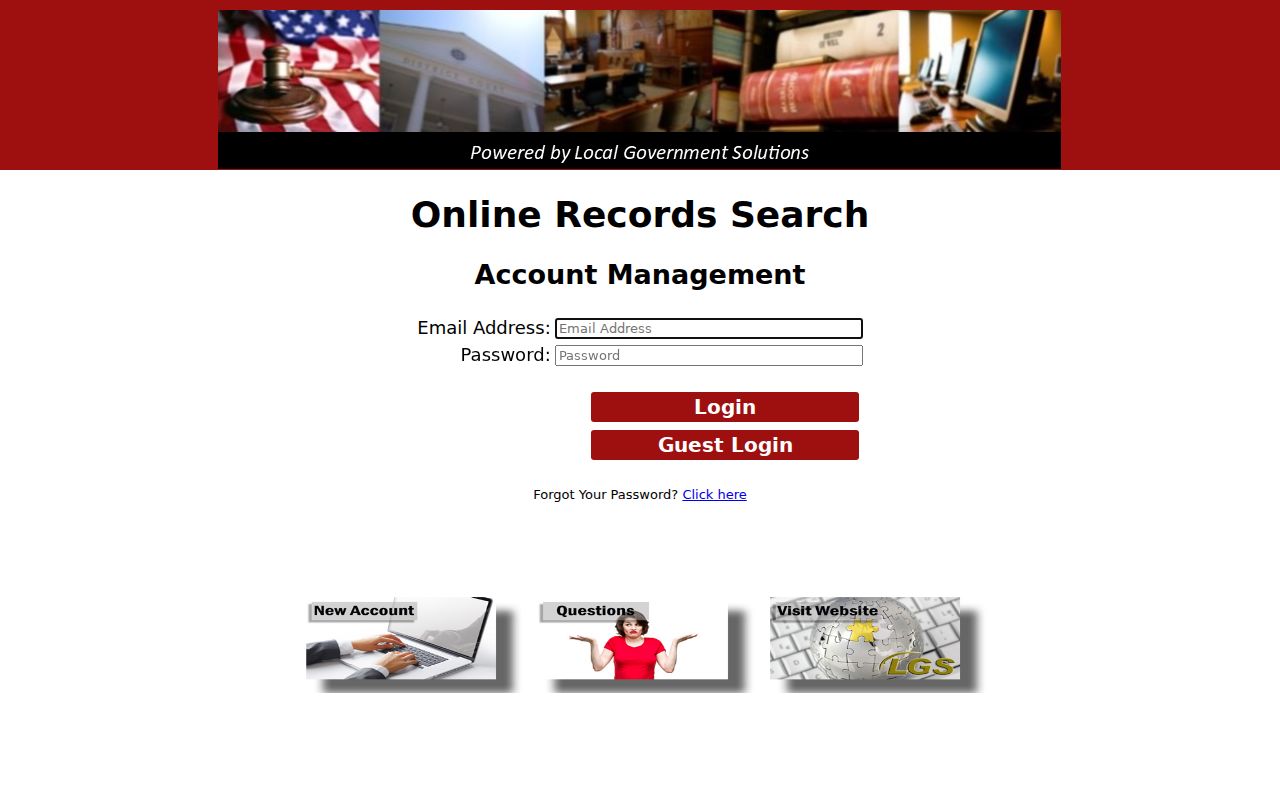
Use the screen for an index-first workflow. The clerk remains the source for a certified record and for any case the index cannot resolve.
Searching by Case Number
The best Uvalde County search key is the case number, also called a cause number. Type it exactly as the record shows it. Keep every letter, year, punctuation mark, and leading zero. The county's official pages publish no single format covering all local courts, so do not invent a pattern like YYYY-XX-##### and expect it to fit a 38th District, County Court, JP, and municipal file alike. If an interface rejects the full value, set the ticket or notice beside the field label. A municipal screen may want a citation number rather than a district cause number. The Tyler portal posts no citation-number format. Give a clerk the exact number. Add the case style, the court, and the document or event you need. Those details matter. They keep a number copied from a notice from being confused with some other tracking number.
Six Uvalde Municipal Search Modes
Uvalde Municipal Court has the county's widest menu of anonymous search fields. Its Tyler citation search offers six routes into city traffic, ordinance, and Class C matters. It will not surface District Court felonies or County Court misdemeanors.
| Search Mode | Fields | Format Note |
|---|---|---|
| Citation number | Citation Number; Date of birth | Date uses MM/DD/YYYY |
| Driver’s license | DL Number; State; Date of birth | State dropdown includes Texas and other jurisdictions |
| Social security number | SSN; Date of birth | Public form displays 111-22-3333 as format only |
| Vehicle | License Plate Number; State | No plate-format rule published |
| Name | First name; Last name; Date of birth | Exact or wildcard behavior is not published |
| Business | Business Name | Match behavior is not published |
The page also carries Search and Sign In/Register buttons plus mode controls. JavaScript must be enabled, the site warns. For a certified copy, a missing setting, or an unclear status, call the municipal clerk instead of assuming the payment interface is the whole file.
What a Case Search Returns
A Uvalde County result may be a bare index row. Or it may open a deeper case view. LGS offers More Information and image options. re:SearchTX can expose eligible electronic court records. Access runs through its role and security controls. A docket event is just a chronological note about a filing, order, setting, or result. It is not always the filed document, and it is not a certified copy.
| Case number | The court’s unique identifier and best confirmation key. |
|---|---|
| Case style | The caption naming the parties or the State and accused person. |
| Court and judge | The court that owns the file and assigned judicial officer when shown. |
| Case type | Criminal, civil, family, probate, traffic, or another stated category. |
| Filed date and status | When the opening filing was accepted and whether the matter is open, closed, or disposed when published. |
| Events and settings | Filings, service, motions, orders, hearings, pleas, judgments, and disposition entries. |
| Documents | Public images may be preview-only, fee-based, security-gated, or unavailable. |
For a live hearing, weigh any result against the Uvalde County court calendar routes. Then confirm with the right coordinator or clerk.
Uvalde County More Information or Images
The two LGS actions serve different needs. More Information lets you inspect the case index and judge whether a result matches. Images deals with document previews or purchases. Guests get only the index and preview path. Image purchases require registration, and the official Q&A describes a subscription prompt after five court-case images plus a $0.30 transaction fee.
A docket line describes an event. An image is the filed document when available. A certified copy must come from the clerk that holds the original record.
Prices and access rules can change. Confirm current image and copy terms before paying. If the document you want is absent, send the custodian the case number, style, event or document, date range, copy type, and delivery choice.
Statewide vs County Case Search
re:SearchTX adds a statewide electronic layer for participating Texas courts. Public users must register or sign in. Official materials describe searches by county, court, case, party, or combinations. Combinations are described too. Quick Search, Advanced Search, location filters, case category, saved searches, and alert tools all appear. Coverage and document access still vary. They depend on the originating court and its security settings.
| Question | re:SearchTX | Uvalde County Route |
|---|---|---|
| Scope | Eligible electronic records across participating Texas courts | One clerk, court, or local record system |
| Access | Account and sign-in required | LGS guest index, municipal search, counter, phone, or request |
| Time depth | Electronic filings centered on 2016 forward | Older books, indexes, scans, and local files may exist |
| Best use | Cross-court electronic search | A known Uvalde County court or certified record |
| Authority | Useful statewide view | Originating clerk controls the original case file |
eFileTexas is filing infrastructure, not an anonymous public search for every case. A result can also lag a same-day filing. Verify time-sensitive details with the court.
Uvalde County Searches Without a Form
Sabinal shows where a portal-only plan runs out of road. Sabinal Municipal Court offers no online search by case number, name, or citation. Its official page takes a different approach. Monthly dockets are posted at City Hall 48 hours before court day. Every appearance must be scheduled remotely. So call the clerk at (830) 988-2630 with your citation or case number, check the posting at City Hall, and ask that court for a copy or a setting confirmation. Justice Court matters follow the same rule. Use whichever precinct is marked on your citation and deal with that office alone. The county's courtesy letter lists all five JP offices. It also warns that a phone call is not an appearance. A call can clear up the record. But the court's written instructions still govern any plea, request, payment, or deadline. For Uvalde County district and county records, the counter and the mail still count. The District Clerk's preservation plan describes a public viewing station. It covers more than 290 books of records. An old case may sit in an index or a restored volume. Even so, a modern web search can come back blank.
Access and Restricted Cases
Court rules and confidentiality laws shape what the public can see. Texas Rule of Judicial Administration 12 covers judicial records. Filed case records answer to the court and other law instead. The Texas Public Information Act does not make every case file free online data. Juvenile records get special protection under Texas Family Code Chapter 58. Sealed filings, restricted family material, protected identifiers, and security-limited images may be withheld or redacted.
A blank Uvalde County search proves nothing about whether a case exists. It can mean the wrong office. It can also mean a spelling slip, an old index, or a fresh filing. Or it can mean a portal gap or a lawful restriction. Ask the clerk whether your search route is right. Ask what public request process applies. Staff can explain procedure. They cannot reveal protected content or hand over anything that needs a court order.
Written Requests After a Failed Search
Screens and phone calls both fail sometimes. Then send a written request to the office that keeps the record. Name the court and the exact case or cause number if you have it. Add the case style. Include the party's role when it matters. Name the document or event you want, plus a useful date range. Specify plain versus certified copy, delivery method, and your contact details. Ask about cost before you order.
Uvalde Municipal Court's local rules allow written requests by hand delivery, mail, commercial delivery, fax, or email. The judge decides release. District and county procedures differ, so confirm them with their clerks. A transcript travels a different path and comes from the court reporter. Remember: the docket, the filed image, a certified copy, and a transcript are separate products.
Note: Make a final check with the originating Uvalde County court. Vendor and statewide screens may be incomplete or out of date.